TO DO
IN PROGRESS
DONE
Useful for managing a queue.
A board makes volume visible. The trade-off: artwork, music and credits become more cards in the same grid.
PROJECT 2 / MOBILE PRODUCT DESIGN / INDEPENDENT CONCEPT
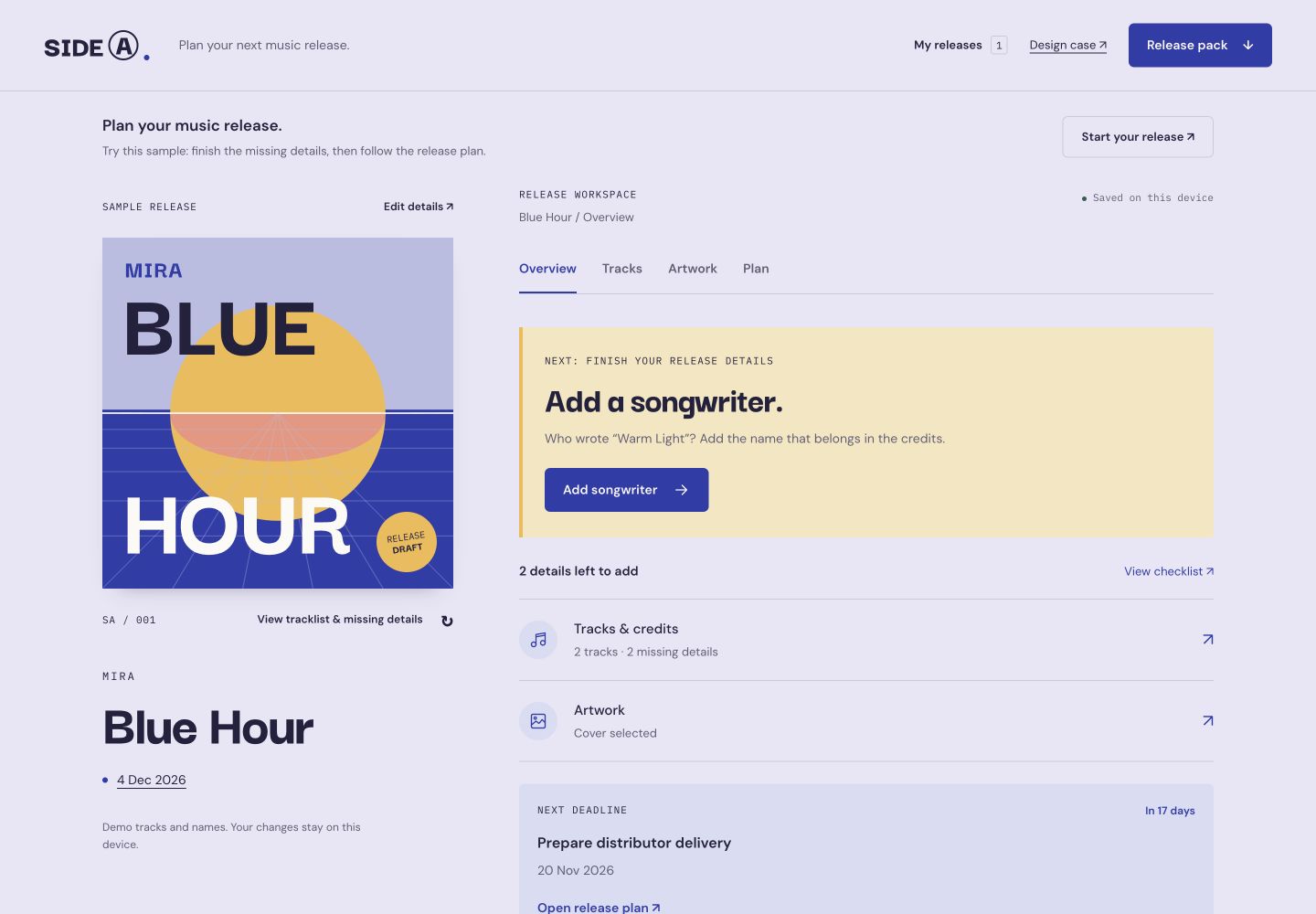
A workspace for the things around the music. Keep the songs, credits, artwork and next move together—without losing the feeling of the release.
THE PRODUCT QUESTION
A finished track still needs a title, the right names, a cover and a plan.
I designed SIDE A for the musician doing that work without a large label team. The hypothesis: use the release as the reference point and make the next unresolved decision easy to find.
The result is a working browser-local prototype for singles and short EPs. The sample artist, credits and release are fictional.
TWO STRUCTURAL DIRECTIONS
I compared the release as a collection of tasks with the release as an object you are bringing into the world.
A board makes volume visible. The trade-off: artwork, music and credits become more cards in the same grid.
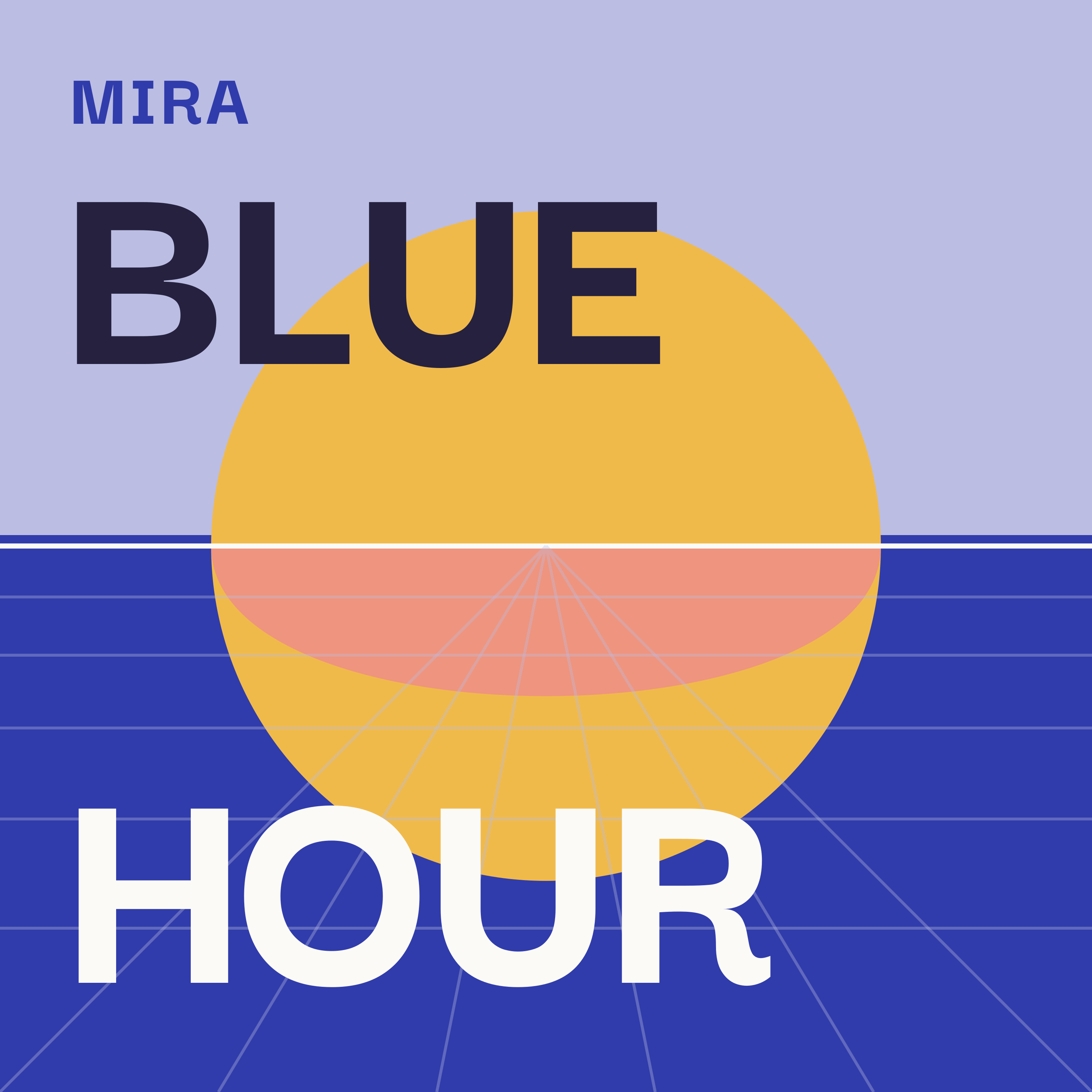
The sleeve gives the work a centre. One next action and four release chapters keep the preparation close by.
Structural illustrations of the directions documented in the product brief.
FOCUSED EDITS
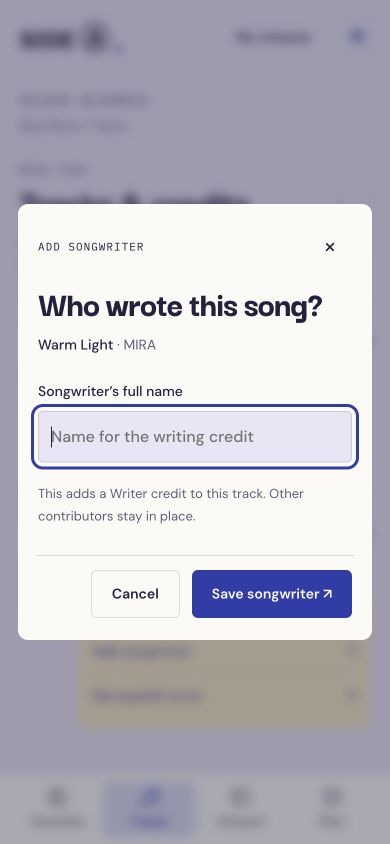
The first build felt confusing. A missing songwriter opened the entire track editor, hiding a small decision inside a long form. I replaced it with a single-field edit and a visible Save button.
Existing audio and contributors stay in place. Additional credits and listening files remain available in the full editor.
A DATED PLAN
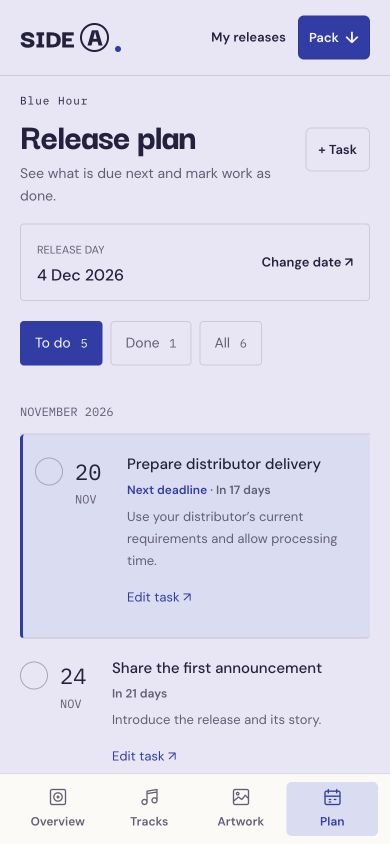
A separate deadline card repeated the first task and pushed the list below the phone screen. The next unfinished deadline now lives in its dated row, with To do and Done views.
Overdue and due-today labels make priority clear. Changing release day previews the new dates and keeps completed work done.
A PORTABLE HANDOFF
The pack contains the exact revision’s credits, artwork, listening files and dated plan.
An unfinished release can still be downloaded as a draft. Its missing details stay explicit, with links to their edits in the pack preview.
The sleeve’s reverse keeps the running order and unfinished decisions together. On phones, a compact sleeve leaves room for the main action.
Try the release journey ↗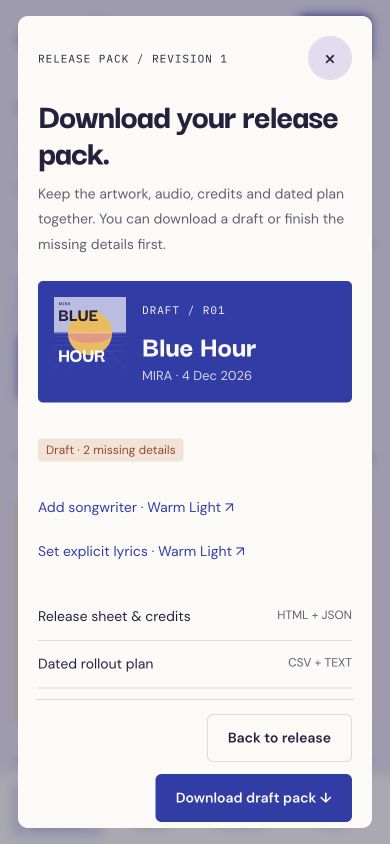
RESEARCH & VALIDATION
Spotify’s release guidance helped define the basic relationship between music, metadata, credits and artwork. DistroKid’s artwork guidance informed the size and shape checks. Distributor requirements still need to be checked at delivery.
Spotify / preparing a release ↗DistroKid / artwork guidance ↗
34 automated checks cover preparation rules, date priorities, focused edits and pack files. The sample journey and downloaded pack have also been checked in the browser.
Musician testing is the next step: can someone prepare their own release without help? The study guide includes tasks and an observation sheet. Own-file browser imports still need verification.
Download the musician testing guide ↓PUT THE MUSIC FIRST